Varen er på fjernlager, leveringstiden er 6-8 hverdager. Mere info
Leveringsalternativer - Velges i kassen
Instabox - Velg din nærmeste pakkeboks
59,00
Bring – Leveres til pakkeboks nær deg
59,00
Bring – Leveres på hentested nær deg
59,00
PorterBuddy - Fleksibel hjemlevering - levert på døren på kvelden
174,00
Bring - Fleksibel hjemlevering - Levering til døren (om kvelden i større byer)
199,00
Vis alle leveringsalternativer (5)
Fraktprisen er basert på levering til dette postnummer:0015 - OSLO Skift postnummer
Oppgi postnummer for levering. Lagre
NOK
611,00
eksklusiv MVA 488,80
Totalt inkl. frakt
670,00
Denne funksjonen krever at man er logget inn. Opprett en bruker og liste systemet for å holde styr på fremtidige kjøp eller ønskelister. Opprett bruker Login
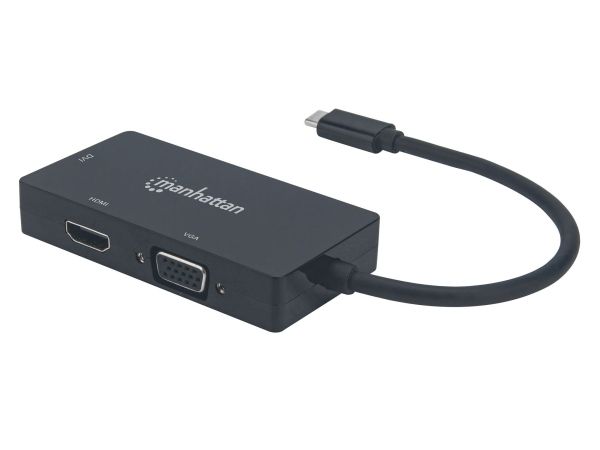
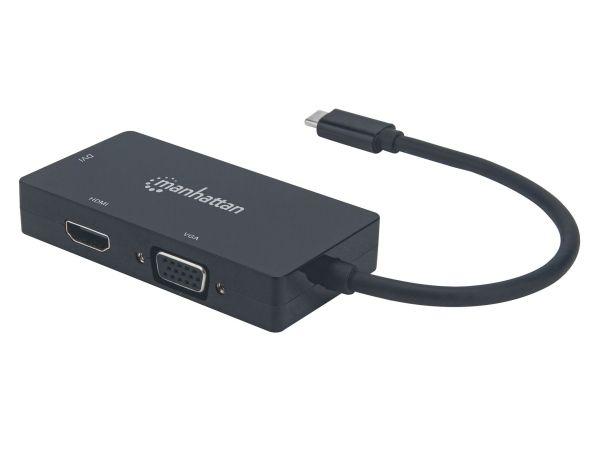
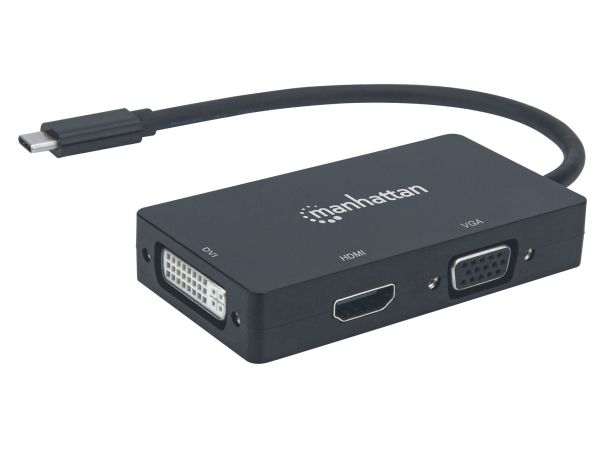
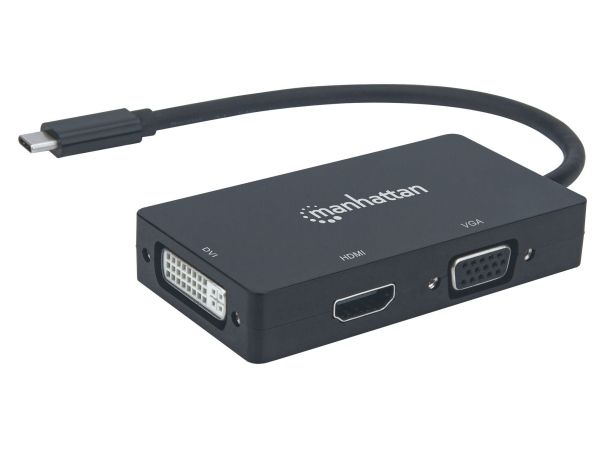
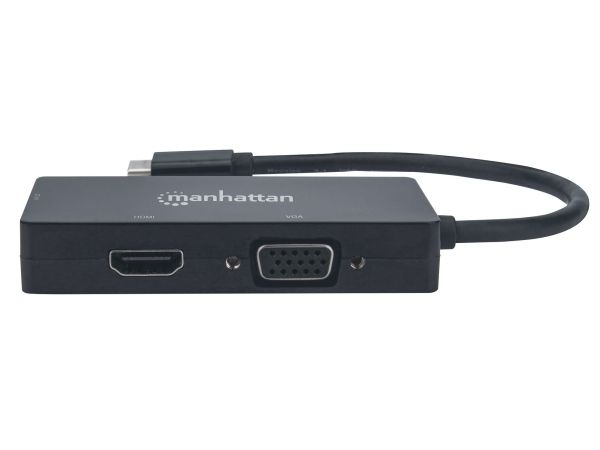
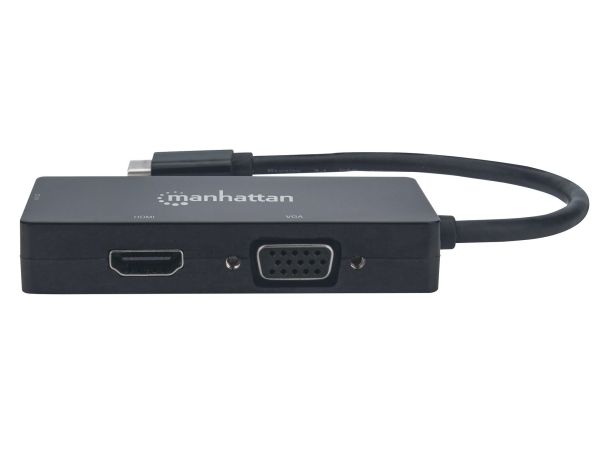
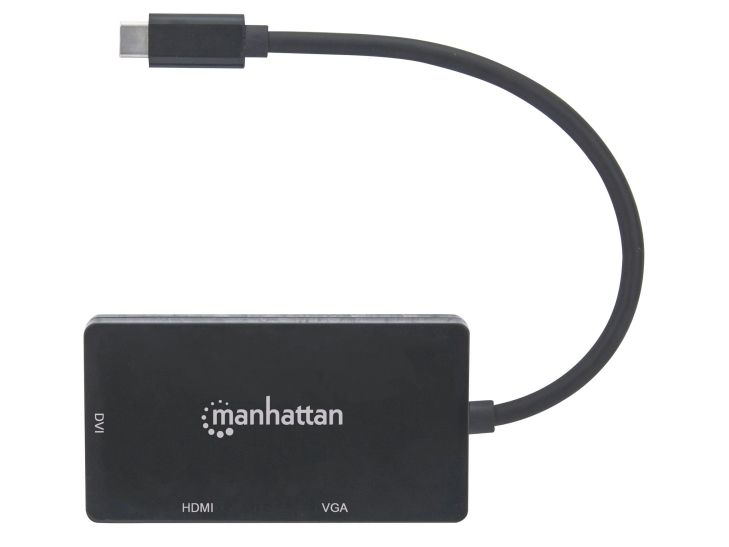
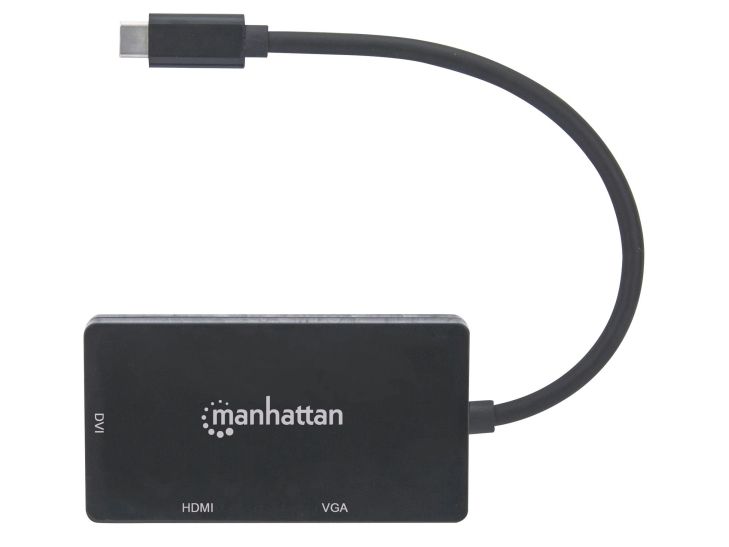
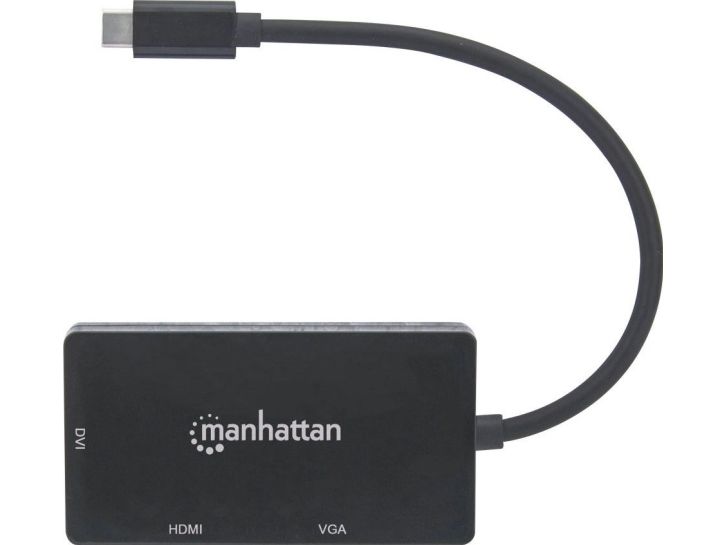
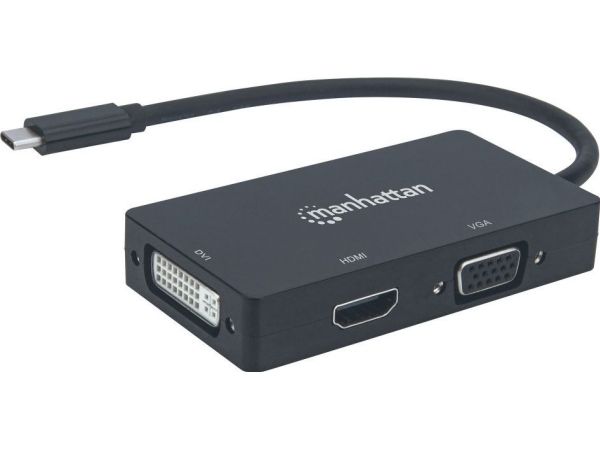
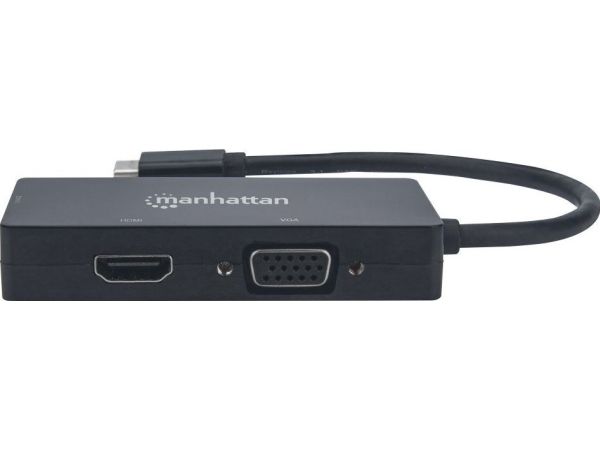
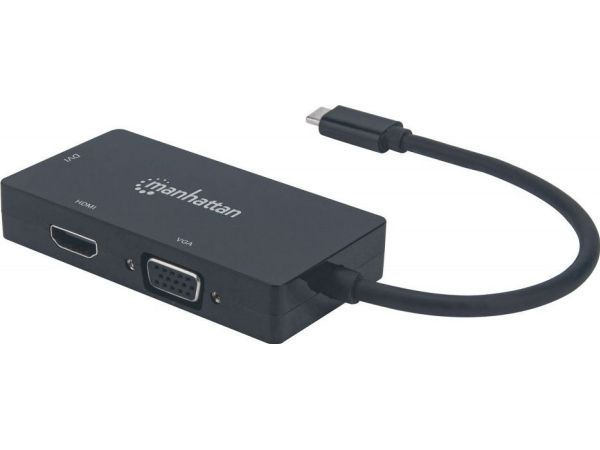
Easily connect a USB Type-C source to a DVI, HDMI or VGA display.
The Manhattan USB-C 3-in-1 Multiport A/V Converter gives you a fast, easy and convenient way to enjoy media from your newer USB-C-equipped computer, tablet, or smartphone on an existing DVI, HDMI or VGA display, monitor or projector. The Converter takes media from a USB-C source and turns it into HDMI audio/video (up to 4K@30Hz resolution [Ultra-High-Definition, UHD]), or DVI or VGA video (up to 1080p [HD]) so you can watch it on the display you're connected to at its supported resolution. The Converter keeps you well covered in connecting to most screens you'll come across since most screens offer DVI, HDMI or VGA connections.
Quality Construction and Easy Installation
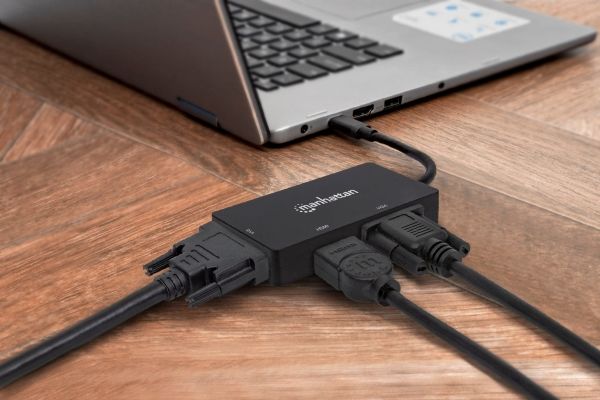
The Converter offers full compliance with USB-C, DVI and HDCP standards so you get years of great service and reliable performance. And setup is easy. Simply connect your display's DVI, HDMI or VGA cable (not included) to the right spot on the converter and plug the converter into your USB-C device. That's all there is to this affordable, variable-display solution - no software/hardware configuration or complicated settings required. The Converter helps you get the most use out of your DVI, HDMI or VGA display(s) so you don't have to buy a new screen to enjoy media from your USB-C device.
Maksimal oppløsning
3840 x 2160 piksler
Sertifisering
CEFCCRoHS2WEEE
Produktfarge
Sort
Kroppsmateriale
Akrylonitril-butadien-styren (ABS)
Støttede Windows operativsystemer
Ja
Støttede Mac operativsystemer
Ja
Bredde
45 mm
Dybde
85 mm
Høyde
15 mm
Vekt
49 g
Driftstemperatur (T-T)
0 - 50 °C
Oppbevaringstemperaturomåde (Celsius)
0 - 80 °C
Relativ luftfuktighet under drift (H-H)
5 - 90%
Harmonisert system (HS)-kode
84733020
Produktet har følgende varenummer i vårt system:
EAN:
0766623152983
SKU:
MAN-152983
Hvorfor ser jeg at det samme produktet er tilgjengelig på forskjellige varenumre?
Produsenter lanserer ofte det samme produktet med forskjellige varenumre, vanligvis bare forskjellige versjoner av emballasjen. For eksempel kan emballasjen være rettet mot forskjellige land.
Vi gjør vårt beste for å forene produktene, men det kan skje at det samme produktet vises på forskjellige varenumre i systemet vårt.