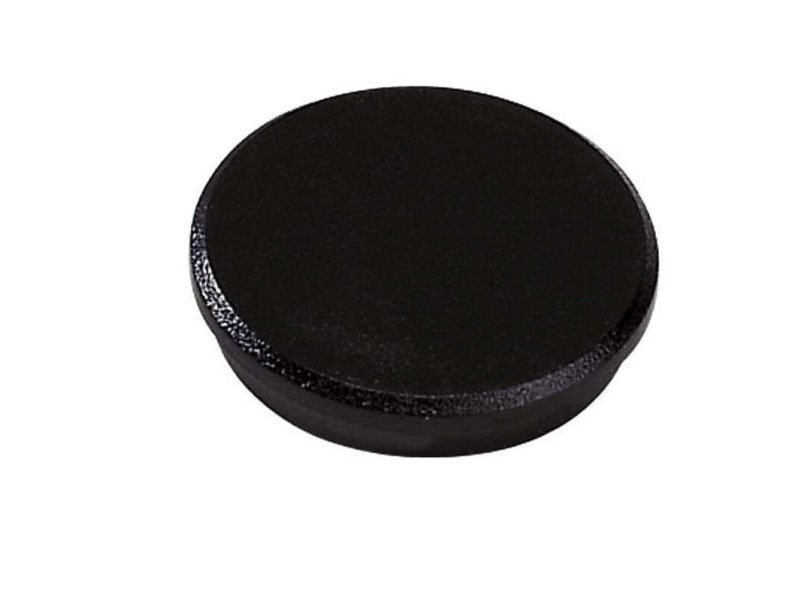
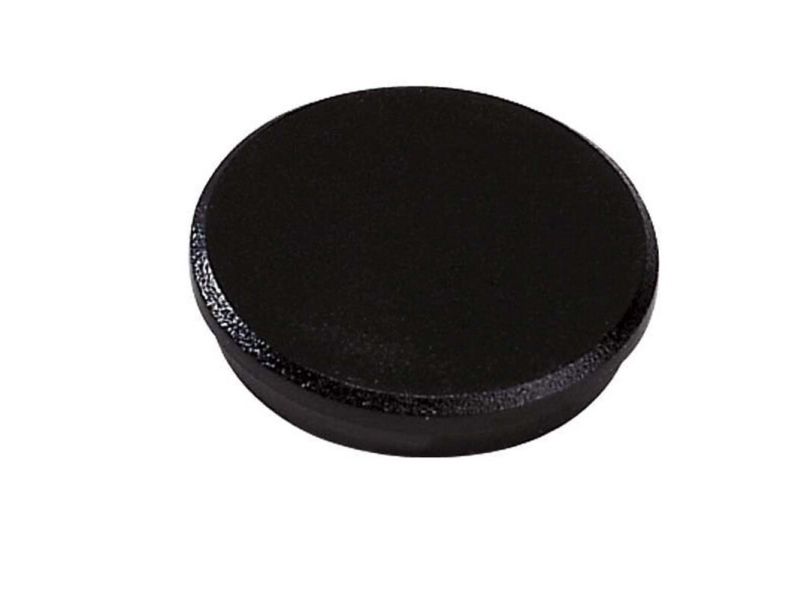
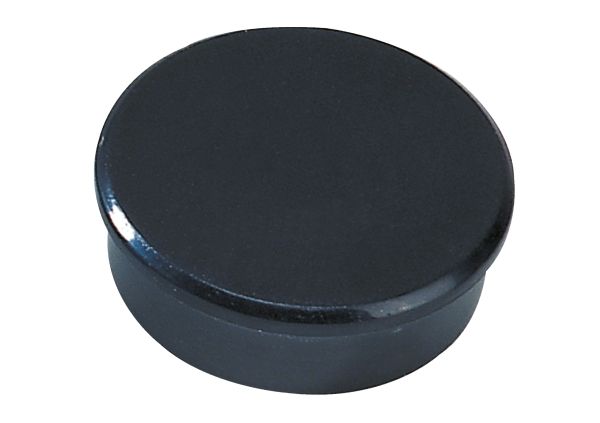
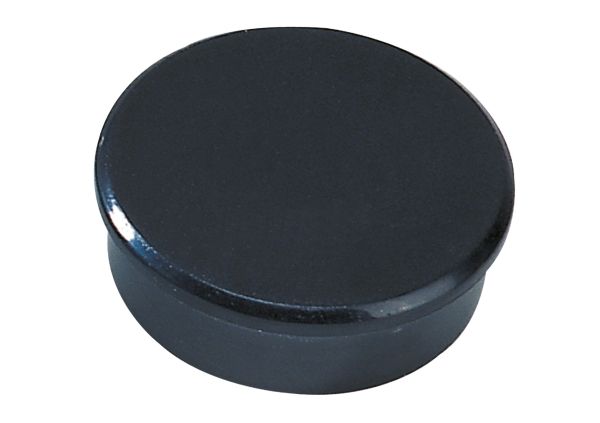
Dahle 95538, Whiteboard-magnet, Sort, 38 mm, 38 mm, 13,5 mm, 10 stykker
FBAC4895-B52C-4E03-B099-A6A8F8B8017B Created with sketchtool. 706D6907-81E1-46A2-B8F9-7B702A1EF2C7 Created with sketchtool. 6A870209-E7F5-44F5-A66F-09E20C85A0DC Created with sketchtool. 0BB04D6C-A9AB-4913-BF4F-5A23954E68E1 Created with sketchtool. 501E26C7-66C1-4DAA-B740-6CFAF55A1B39 Created with sketchtool. C105F7D3-D5EE-43C9-9EE8-05CC42B296D4 Created with sketchtool. D94689D8-7CBB-41C8-AC06-F79D81FF82D5 Created with sketchtool. DA4C7ED9-2512-4D52-94F0-92800F2A6E04 Created with sketchtool. 42E133FD-828F-4CF4-A0BF-560014487A57 Created with sketchtool. F52D9745-4BFD-4506-BEEF-630FD09EF2D9 Created with sketchtool.
NYTT NAVN. SAMME STORE UTVALG!   NYTT NAVN. SAMME STORE UTVALG!   NYTT NAVN. SAMME STORE UTVALG!
CS MEGASTORE
NYTT NAVN. SAMME MEGA STORE UTVALG!
www.computersalg.no er nå www.csmegastore.no
Les mer
NYTT NAVN. SAMME STORE UTVALG!  NYTT NAVN. SAMME STORE UTVALG!
CS MEGASTORE
NYTT NAVN.
SAMME MEGA STORE UTVALG!
www.computersalg.no er nå
www.csmegastore.no
Les mer
Fjernlager
Varen er på fjernlager, leveringstiden er 6-8 hverdager. Mere info

Frakt 69,00 - Instabox - Velg din nærmeste pakkeboks.

Fraktprisen er basert på levering til dette postnummer: - Skift postnummer
Oppgi postnummer for levering. Lagre
Se alle alternativer
Instabox - Velg din nærmeste pakkeboks69,00
Bring - Hentes på Posten75,00
PorterBuddy - Fleksibel hjemlevering - levert på døren på kvelden159,00
Bring - Fleksibel hjemlevering - Levering til døren (om kvelden i større byer)224,00
NOK 66,00
eksklusiv MVA 52,80
Totalt inkl. frakt 135,00
Create and reliably exchange content-rich documents

Easily create Adobe PDF documents
Create Adobe PDF documents with one-button ease from Microsoft Word, Excel, and PowerPoint. Windows® users can also create PDF documents with one-button ease from Outlook, Internet Explorer, Project, Visio, Access, Publisher, and AutoCAD®.

Easily design Adobe PDF forms
Use Adobe LiveCycle™ Designer 7.0 software (now included with Adobe Acrobat 7.0 Professional — Windows only) to create PDF forms that look like the paper forms they replace. Incorporate business logic, such as calculations and data validations.

Enjoy improved performance
With improved performance you can quickly convert, collect, and organize Adobe PDF documents.

Reuse, don't re-create, work
Easily grab text, tables, measurements, and embedded object data to use in other applications.

Convert paper to electronic format
Scan paper documents and forms to create compact, searchable archives of Adobe PDF documents.

Assemble multiple files into a single, polished document

Assemble documents
Create a single Adobe PDF document from multiple sources — including portions of Web pages and previously combined Adobe PDF documents. Print, extract, or delete the subdocuments.

Control document organization
Arrange pages in an Adobe PDF document in the order you want, to present information accurately and effectively.

Use enhanced headers, footers, and watermarks
Easily add headers, footers, and watermarks to Adobe PDF documents.

Search with more power
Search according to text and document properties to quickly find files on local machines and network drives.

Enjoy improved attachment capabilities
Easily attach source documents such as spreadsheets, multimedia files, images, and drawings to an Adobe PDF document.

Collect and manage review feedback

Extend commenting capabilities
Enable anyone who uses free Adobe Reader® 7.0 software to actively participate in reviews.

Use familiar review and commenting tools
Use familiar commenting tools including a highlighter, sticky notes, pen, strikethrough, callout, dimension lines, and more.

Track reviews
Create a list of reviewers and automatically track the feedback you receive.

Approve documents electronically
Use digital signatures for faster electronic approval.

Apply advanced document control and security

Protect sensitive and confidential documents
Add access control to protect documents inside and outside the firewall, online and offline.

Use password protection
Restrict access to documents using 128-bit encryption.

Control permissions
Set document permissions and restrictions on whether Adobe PDF documents can be printed, copied, or changed.

Sign documents digitally
Sign electronic documents using digital signatures.