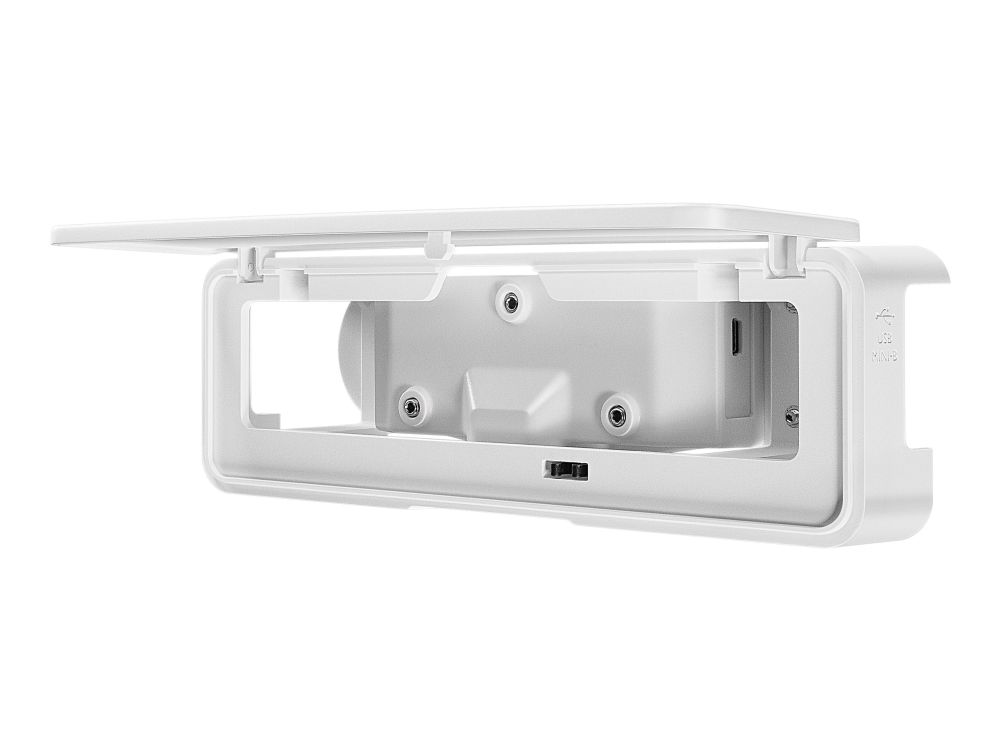
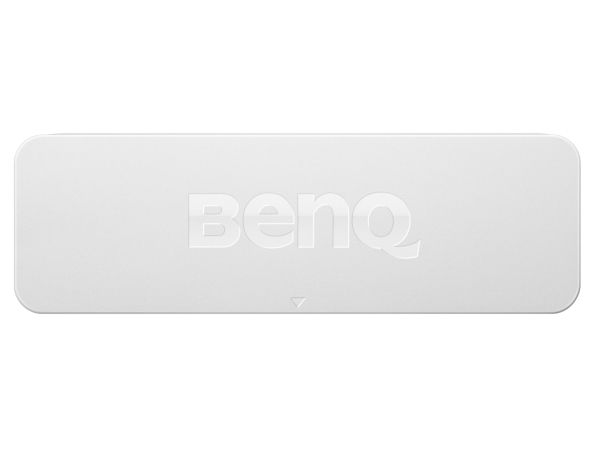
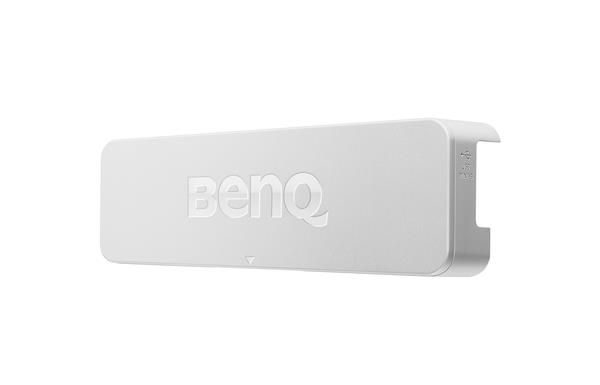
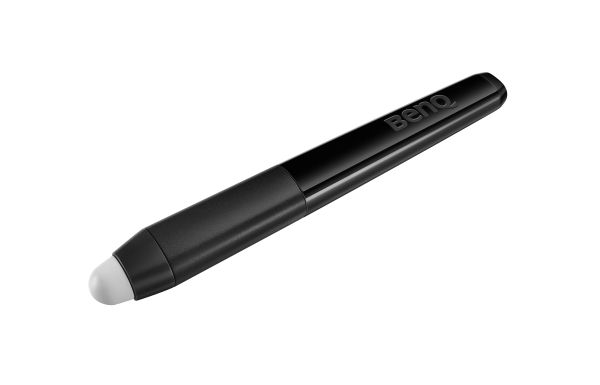
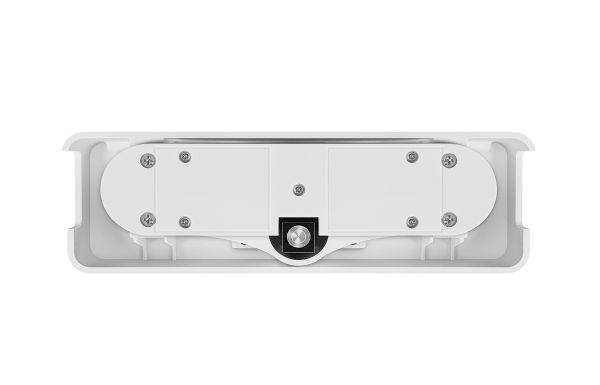
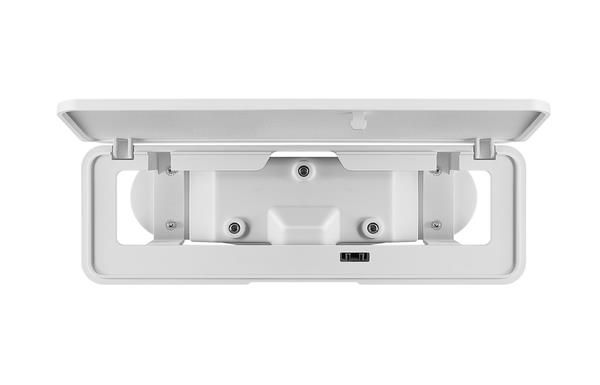
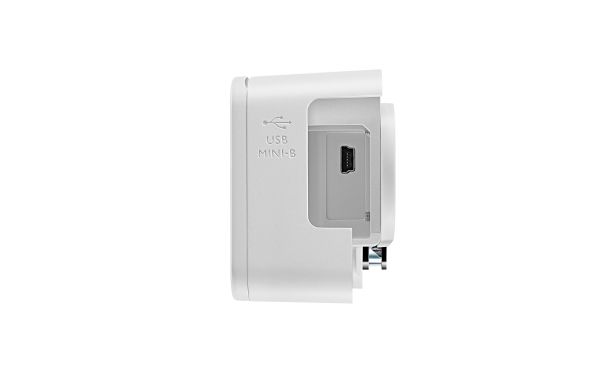
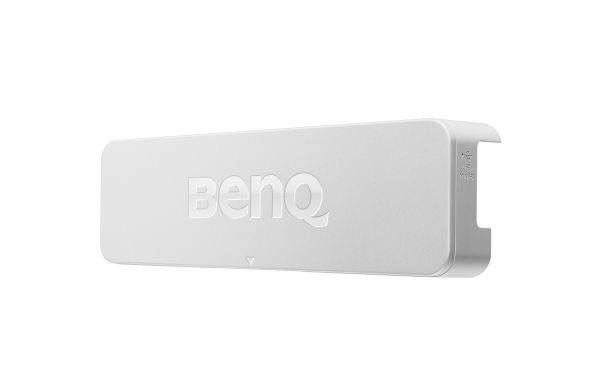
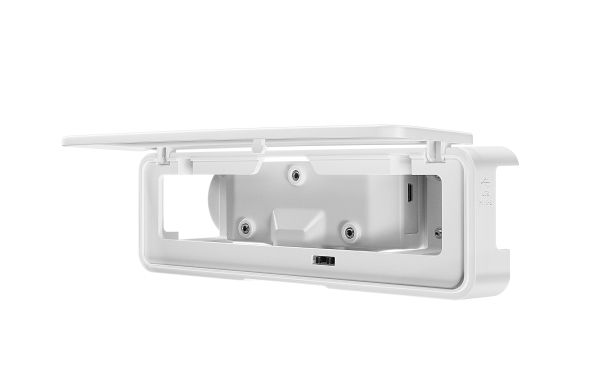
BenQ Touch Module PT02 - Projektortilbehørssett - for BenQ MW853UST+, MW855UST, MX819ST, MX823ST
FBAC4895-B52C-4E03-B099-A6A8F8B8017B Created with sketchtool. 706D6907-81E1-46A2-B8F9-7B702A1EF2C7 Created with sketchtool. 6A870209-E7F5-44F5-A66F-09E20C85A0DC Created with sketchtool. 0BB04D6C-A9AB-4913-BF4F-5A23954E68E1 Created with sketchtool. 501E26C7-66C1-4DAA-B740-6CFAF55A1B39 Created with sketchtool. C105F7D3-D5EE-43C9-9EE8-05CC42B296D4 Created with sketchtool. D94689D8-7CBB-41C8-AC06-F79D81FF82D5 Created with sketchtool. DA4C7ED9-2512-4D52-94F0-92800F2A6E04 Created with sketchtool. 42E133FD-828F-4CF4-A0BF-560014487A57 Created with sketchtool. F52D9745-4BFD-4506-BEEF-630FD09EF2D9 Created with sketchtool.
NYTT NAVN. SAMME STORE UTVALG!   NYTT NAVN. SAMME STORE UTVALG!   NYTT NAVN. SAMME STORE UTVALG!
CS MEGASTORE
NYTT NAVN. SAMME MEGA STORE UTVALG!
www.computersalg.no er nå www.csmegastore.no
Les mer
NYTT NAVN. SAMME STORE UTVALG!  NYTT NAVN. SAMME STORE UTVALG!
CS MEGASTORE
NYTT NAVN.
SAMME MEGA STORE UTVALG!
www.computersalg.no er nå
www.csmegastore.no
Les mer
Ikke på lager
Varen er ikke på lager.

Fri frakt Instabox - Velg din nærmeste pakkeboks

Fraktprisen er basert på levering til dette postnummer: - Skift postnummer
Oppgi postnummer for levering. Lagre
Se alle alternativer
Instabox - Velg din nærmeste pakkeboksGratis
Bring - Hentes på PostenGratis
PorterBuddy - Fleksibel hjemlevering - levert på døren på kvelden159,00
Bring - Fleksibel hjemlevering - Levering til døren (om kvelden i større byer)224,00

Utsolgt

Varen er ikke på lager.

NOK 5.014,00
eksklusiv MVA 4.011,20
Totalt inkl. frakt 5.014,00
Gi meg beskjed når varen er på lager igjen.
Interactive Learning Fun with BenQ's Leading Technology
Foster Active Learning Through PointWrite Interactivity and Classroom Collaboration Keeping Students involved and engaged is a central practice in the BenQ Smart Classroom concept-and latest PointWrite technology is a great way to let multiple students contribute at once. BenQ brings interactive innovation and touch solutions to a new level of simplicity, ease and control, supporting flipped learning and engaging students like never before. Teachers now can turn any space into an interactive whiteboard and get students to collaborate simultaneously with fingers or any objects.

BenQ Latest Interactive Technology-PointWrite Touch
BenQ PointWrite interactive projectors turn any surface into an interactive whiteboard by utilizing an innovative infrared technology to detect transmitter light emitted from a PointWrite touch module that enables the camera to detect the finger or object movements. The multi touch function also supports Windows 8 touch interface. This allows teachers to invite students up to the board to make notes, answer question, or collaborate on digital paintings, sparking creativity, imagination and lots of fun.

The multi touch capabilities, which can support Windows 8 touch interface, are enabled by the QWrite software to allow teachers to have students to collaborates and generate ideas together using one big screen. What you can also do with dual screen projection is multi tasks as for videos or writing, annotating on the big screen.

Features:
- Supports up to 4 pens/fingers writing simultaneously;
- Dual screen touch for ultra-wide working space;
- Effortless setup with only 1 second auto calibration;
- An ultra-fast 0.016-second response time for a smooth writing experience;
- Optional finger touch capability;
- Win8 gesture and multiple touch supported.

Dual Screen with Multiple Touch Capabilities
A first in the world, BenQ's Dual Screen feature allows teachers to create an immersive learning experience by connecting two seamlessly merged screens. What's more, you could pair with optional PointWrite touch module to have fully scalable and diverse interactive solutions for future-proofing your classroom. The multi touch capabilities, which can support Windows 8 touch interface, are enabled by the QWrite software to allow teachers to have students to collaborates and generate ideas together using one big screen. What you can also do with dual screen projection is multi tasks as for videos or writing, annotating on the big screen.

Maximizing Class Participation with QWrite
The QWrite software enables multi-user on screen collaboration with annotation tools to edit, highlight and co-create various documents together. All the work created can be effortlessly saved as a QWrite file or as a JPEG, PNG, BMP, PDF file on your computer. There is also the option to make video and screen recordings of your lessons for easy sharing. You can also import and upload images from your computer by creating a shortcut to access the local storage.

Freely Shared Resources
Write on or edit the projected document directly, with the access to QWrite's free built-in image folders created on your computer conveniently. Each and every image creation can be saved for later sharing.